What the guidance says
How much screen time is recommended?
Advice varies a little between countries, but it points in the same direction: less for the youngest children, and quality and context matter as much as minutes.
| Age | UK government (2026) | World Health Organization | American Academy of Pediatrics |
|---|---|---|---|
| Under 2 | Avoid screens, except shared family activities such as video calls | Screen time not recommended | Avoid screens other than video calls before 18 months; after that, choose high-quality content and watch together |
| 2 to 5 | Try to keep it to about 1 hour a day, less if possible | No more than 1 hour a day for 2 to 4 year olds; less is better | About 1 hour a day of high-quality programmes, ideally watched together |
| Older children | Not covered by the under-5s guidance | No specific limit | Consistent family limits, so screens don't replace sleep, activity or time together |
The UK's Best Start in Life screen time guidance, published in 2026, also recommends three habits that matter a lot for young children:
- No screens in the hour before bed, as they can affect sleep.
- Screen-free mealtimes, to protect time together.
- No screens on in the background during family time, meals or play.
It also encourages watching and talking about programmes together, which supports children's development and helps protect them from unsuitable content.
Step 1
Make a simple family media plan
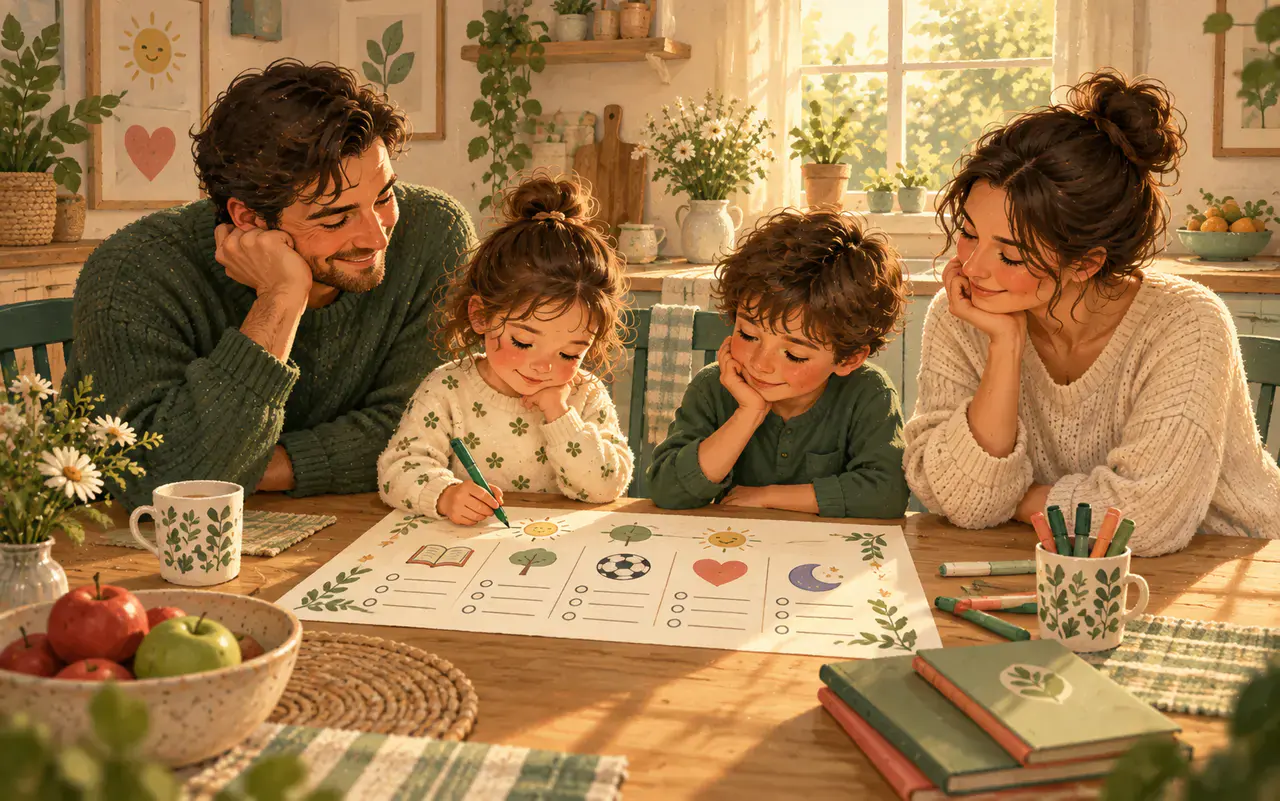
A family media plan is a set of agreed rules about when, where and how screens are used. The AAP has a free tool to help you make one.
- Notice what happens now
For one ordinary week, jot down when screens are used and which moments cause the most arguments.
- Pick one anchor to change
For example: no screens at meals, or no screens in the hour before bed. One change is easier to stick to than five.
- Choose screen-free places
Many families keep screens out of bedrooms and away from the dinner table.
- Decide what is watched
Choose age-appropriate programmes and apps, and watch or play together when you can.
- Include the adults
Children copy what they see. Putting your own phone away at meals makes the rules feel fair.
Step 2
Make turning screens off easier
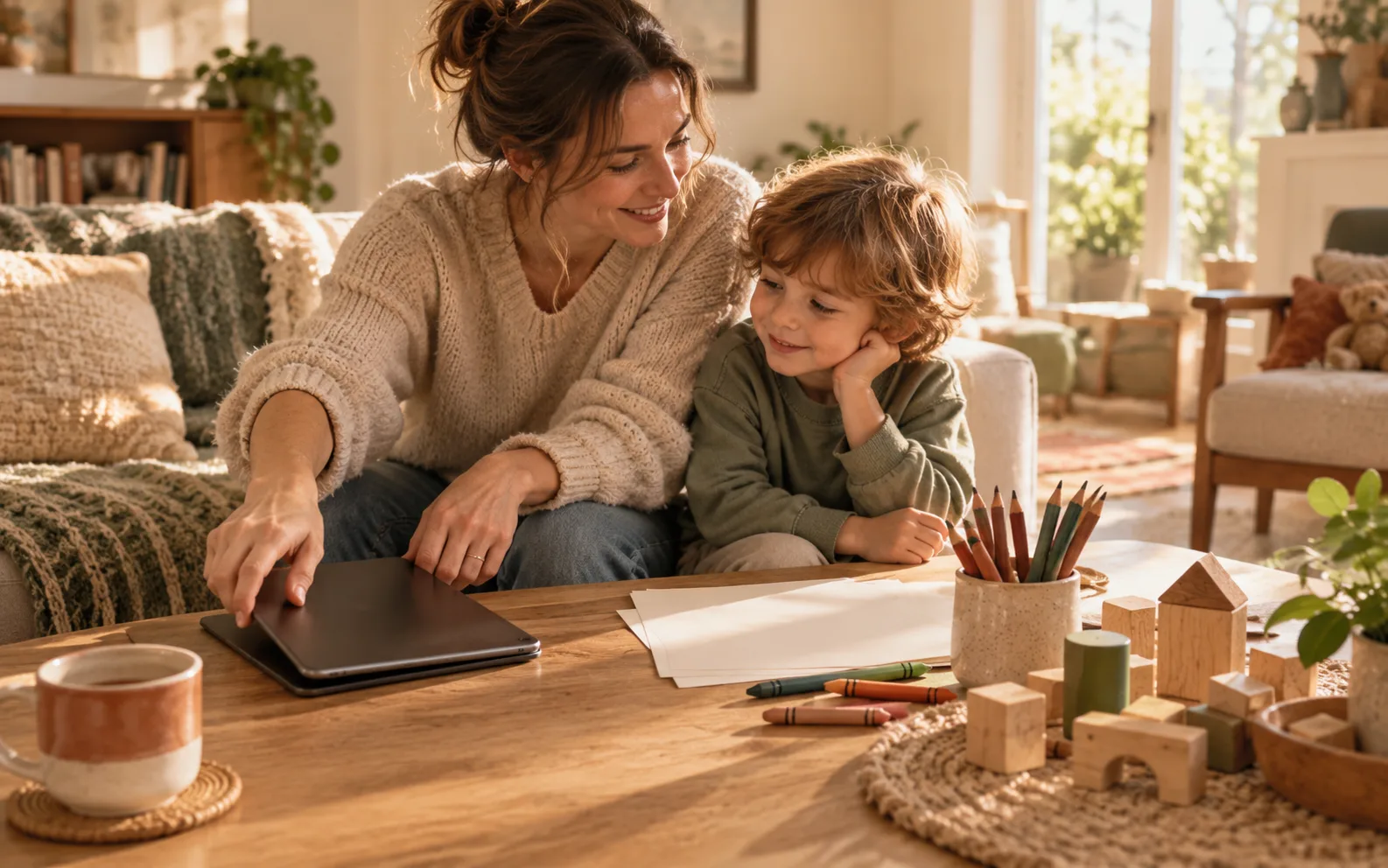
Many battles happen at the moment a screen ends. A predictable routine makes that moment less of a shock.
Agree the end first
Before starting, agree when it will end: "One episode, then bath."
Give a warning
"Five more minutes." A visual timer helps children see time passing.
Stop at a natural end
The end of an episode or a level is easier than stopping mid-game.
Have the next thing ready
A snack, a game or going outside gives your child something to move towards.
Try saying
- "It's hard to stop when it's fun. Time to turn it off now."
- "You can choose: you press off, or I will."
- "The show will still be there tomorrow."
Try to avoid
- Switching it off with no warning
- "Okay, just one more" after you've said it's finished
- Using screens as the only reward or punishment
Step 3
Have easy alternatives ready
Screens are often used because they work when parents need a few minutes. Having quick alternatives ready for those moments helps.
| The moment | Quick screen-free ideas |
|---|---|
| While you cook | A box of play dough, stickers or pots and pans to play with, or helping with a simple job |
| After nursery or school | A snack, time outside, or a quiet den with books |
| Waiting or travelling | I-spy, a small bag of toys, or drawing |
| Before bed | A bath, stories or a calm puzzle |
When to get support
Talk to your GP, health visitor or school if screen use seems to be causing bigger problems, for example if your child:
- has very intense, frequent or aggressive meltdowns when screens end
- is losing sleep, or is often very tired
- has lost interest in play, friends or activities they used to enjoy
- seems anxious, low or withdrawn
- has delays in speech or development that worry you
FAQ
Common questions
Are educational apps better?
Some high-quality programmes can support learning, especially when you watch and talk about them together. But young children still learn most from play, talk and real-life activities.
Do video calls with family count?
Video calls with grandparents and family are generally seen differently from other screen time, because they involve real interaction.
My child has a meltdown every time the tablet goes off. What now?
That is very common. Keep the routine the same each time: warning, natural end, next activity ready. Stay calm and hold the limit. It usually gets easier within a couple of weeks. See temper tantrums: where to start.
How long before bed should screens go off?
UK government guidance for under-5s recommends avoiding screens for the hour before bed. Keeping devices out of bedrooms at night helps too.
Sources
Where this guide comes from
- World Health Organization: To grow up healthy, children need to sit less and play more
- American Academy of Pediatrics: How to make a family media use plan
- American Academy of Pediatrics: Family media plan tool
- UK government, Best Start in Life: Screen time guidance for under 5s
This guide is general information, not medical advice. Every family is different; adapt these ideas to your child's age and needs.
The more you bundle, the more you save.
Add ebooks to your cart and the discount applies automatically at checkout - no code to remember, mix and match any titles.
Pick any two ebooks and the discount is applied automatically in your cart.
Build a fuller shelf and the discount steps up - still no code needed.
Add a fourth ebook to your cart and one of them is on us.
Bundle pricing is calculated from the ebooks in your cart at checkout - the discount or free ebook is applied automatically once your cart qualifies.