“I do not know how much is reasonable.”
Use age-specific guidance where it exists, then look at sleep, movement, school, family time and what media is crowding out.

Search ebooks, guides, stories and parenting topics.
Parenting topic · Digital habits
Screen time is not one problem and it does not need one universal rule. Start with what is actually hard in your family: how long devices are used, what your child is watching or playing, what screens are replacing, or what happens when it is time to stop.

If the screen needs to end now
When a child is already upset, keep the boundary simple. Save the bigger family conversation for a calmer moment.
Keep your words short. If you announced the endpoint before the session, return to that same endpoint now.
You can acknowledge that stopping is hard without reopening the whole decision.
A clear next activity-dinner, bath, outside, blocks, bedtime-gives the transition somewhere to go.
Start with the actual problem
Different problems need different solutions. “Too much screen time” can mean several very different things.
Use age-specific guidance where it exists, then look at sleep, movement, school, family time and what media is crowding out.
Work on the transition itself: set the endpoint before the screen begins, keep the limit consistent and reduce the negotiation at the end.
Content quality, age appropriateness, autoplay, advertising, social interaction and how your child reacts all matter alongside minutes.
Screen-free alternatives work best when they fit the actual moment: while you cook, on a rainy day, during travel or before bed.
Think beyond minutes
The American Academy of Pediatrics uses an age-by-age 5 C’s framework for media guidance. It helps parents look at the child, the media itself, how media is used for calming, what it may displace, and how families communicate about it.
Who is your child, how do they react to media, and why are they using it?
What is worth their attention? Is it age-appropriate, high quality and understandable?
Is media becoming the only way your child can settle, wait, eat or tolerate frustration?
What is the screen replacing: sleep, movement, schoolwork, face-to-face time or other interests?
What rules, conversations and shared expectations help your family use media intentionally?
Age-specific guidance
The WHO gives specific sedentary screen-time recommendations for children under 5. For school-age children, current AAP guidance emphasizes age, child, content and what media may be displacing rather than relying on one universal daily number.
Important: these WHO limits refer to sedentary screen time for healthy children under 5. They are not a universal rule for every type of digital media, every age group or every individual child.
| Age | WHO sedentary screen-time guidance |
|---|---|
| Under 1 year | Screen time is not recommended. |
| 1 year | Sedentary screen time is not recommended. |
| 2 years | No more than 1 hour; less is better. |
| 3-4 years | No more than 1 hour; less is better. |
| 5+ years | Use age-appropriate AAP guidance and consider sleep, movement, learning, relationships, content and the individual child rather than extending the under-5 WHO limit. |
How to reduce screen time
Trying to “cut screen time” everywhere at once creates too many battles and makes it hard to tell which change actually helped.

Is the problem before school, during meals, after school, while you cook or before bed?
Start with one repeatable rule such as no devices at dinner or one clear endpoint after school.
Removing a screen is easier when the child already knows what happens next.
After several days, ask whether the change improved the problem you were actually trying to solve.
A Twinkens transition aid
A simple way to remember what helps before and during the moment a device needs to go away.
P.A.C.E. is a Twinkens editorial framework for organizing general parenting guidance. It is not a clinical protocol or a validated treatment.
Decide “one episode,” “until the timer ends” or another clear stopping point before handing over the device.
Make the transition visible: “When this ends, we are eating,” “going outside,” or “choosing a book.”
Acknowledge disappointment without turning the off-switch into a new round of bargaining.
Move forward. The transition is easier when the family does not stay focused on the device after it is off.
Family media plan
The AAP recommends family media plans that fit a family’s routines and values. A useful plan is short enough to remember and specific enough to use.
Meals, conversations, homework or another period your family wants to protect.
For example, bedrooms or the dinner table where that fits your household.
Turn off unnecessary autoplay and notifications; use do-not-disturb and built-in limits where helpful.
Rules are easier to understand when children see adults put devices away during protected family time too.
Screen-free alternatives
Parents often use screens because they need to cook, travel, wait, finish something or get through the hardest part of the day. Alternatives should respect that reality.

Choose activities that can happen nearby with low setup and supervision appropriate to your child.
Use movement, building or pretend play when children need more physical output indoors.
Keep a few zero-equipment games for restaurants, appointments and queues.
Choose compact activities that do not create extra mess or loose pieces in the car or plane.
Think regulation and simple movement rather than elaborate crafts when everyone is tired.
Use quiet, connection-based activities that help the evening slow down instead of becoming another high-energy event.
When screen use needs more attention
Talk with your child’s pediatrician, family doctor or another appropriately qualified professional if media use is tied to persistent problems that are affecting sleep, eating, school, mood, relationships or daily functioning.
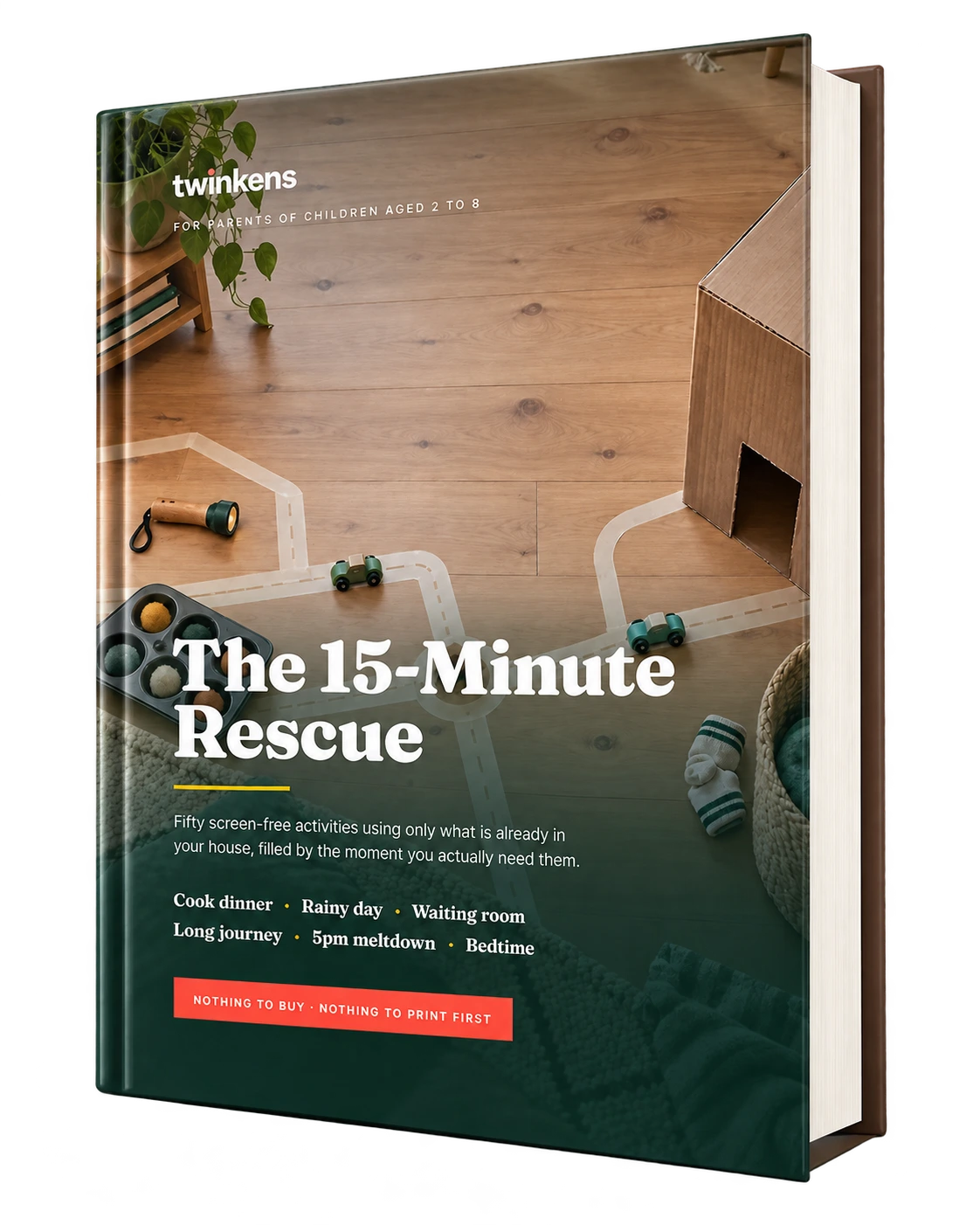
Fifty screen-free activity ideas for children ages 2-8, organized around the real moments parents need them: cooking, rainy days, waiting, travel, late-afternoon overload and winding down before bed.
Sources & editorial standard
Screen-time advice changes as children grow and as evidence and technology change. Health claims and age-based recommendations should stay linked to current official guidance. Twinkens frameworks such as P.A.C.E. are editorial tools, not clinical protocols.
Related topics
Start with the screen-time problem that is costing your family the most right now, change one part of the setup, and build from there.
Add ebooks to your cart and the discount applies automatically at checkout - no code to remember, mix and match any titles.
Pick any two ebooks and the discount is applied automatically in your cart.
Build a fuller shelf and the discount steps up - still no code needed.
Add a fourth ebook to your cart and one of them is on us.
Bundle pricing is calculated from the ebooks in your cart at checkout - the discount or free ebook is applied automatically once your cart qualifies.
Download the Twinkens Android app for warm, screen-free stories children will love.
Download on Google Play